
♡ Fun Fact Gadget ♡
A cute little gadget that shows a different
fun fact every time you click the image! ♡
You can use any character, doll, plushie or picture you like. 🎀
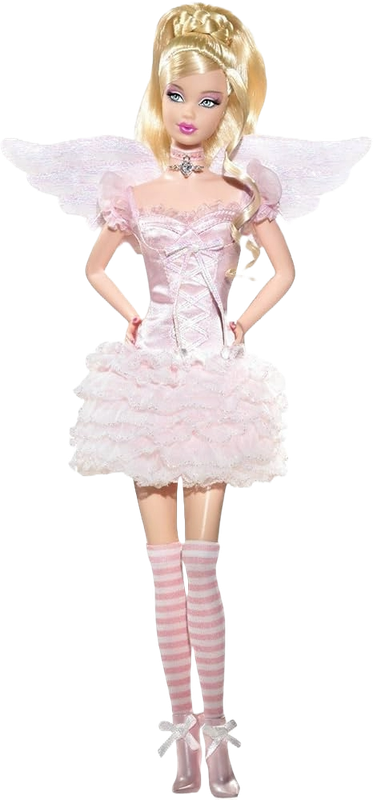
♡ QUICK TUTORIAL ♡
01. choose your image ♡
Find:
src="PASTE YOUR IMAGE LINK HERE"
Replace it with the direct image link
of whatever you want to use!
This can be a character, plushie,
photo, PNG, GIF or anything else you like. 🎀
02. add your own fun facts ♡
Find:
var funFacts = [
Replace "Your own fun fact ♡"
with your own facts.
Keep each fact inside quotation marks
and separate each one with a comma.
You can also use:
<br>
to create a line break inside a fact.
03. that's it! ♡
Save the code and add it to your blog.
Clicking your image will show a different
fun fact each time! 🎀
♡ have fun decorating your blog! ♡




don't hesitate to ask questions ♡
ReplyDeleteheyy, im trying to add the image and im having some trouble on having it upload into my blog, do you have any tips on how to fix it? xx
ReplyDeleteheyy!! ♡ if you're having trouble getting the image into your blog, i'd recommend uploading it to a site like Postimages first! once it's uploaded, copy the direct image link (the one ending in .png, .jpg, .gif etc.) and paste that into the image URL part of the code. ୨୧
Deleteif Blogger is giving you trouble with uploading it directly, this usually works much easier! i hope this helps ♡
Hii when I add it to my blog and try to click my image there's nothing. What can I do?
ReplyDeletehii!! ♡ did you add your image URL to the image section of the code? and when you click the image, does absolutely nothing happen, or does the fun fact pop-up just not appear? 💗 if you let me know which one is happening, i can help you figure it out xx
Deletehi! the same thing is happening to me, it is not doing anything (no text bubble or words)
Deletehiii! i love your blog! I am trying to add this to mine - creds will be given when i have everything up and running properly ofc! - but i was wondering where you got your image from of the barbie? the image i am using is from pintrest and it is a png, however, there is still a white background showing up on mine - do you have any tipes on how to remove this or where else I could look to dource mu images from??
ReplyDeletehii!! ♡ thank you so much, that’s so sweet!!
Deletei actually found my barbie image on pinterest too! ♡ i put the image into Postimages afterwards and used the direct image link from there, and that worked for me without the white background showing up.
if yours is still showing a white background you could try putting it into a background remover first and then uploading the new PNG to Postimages!